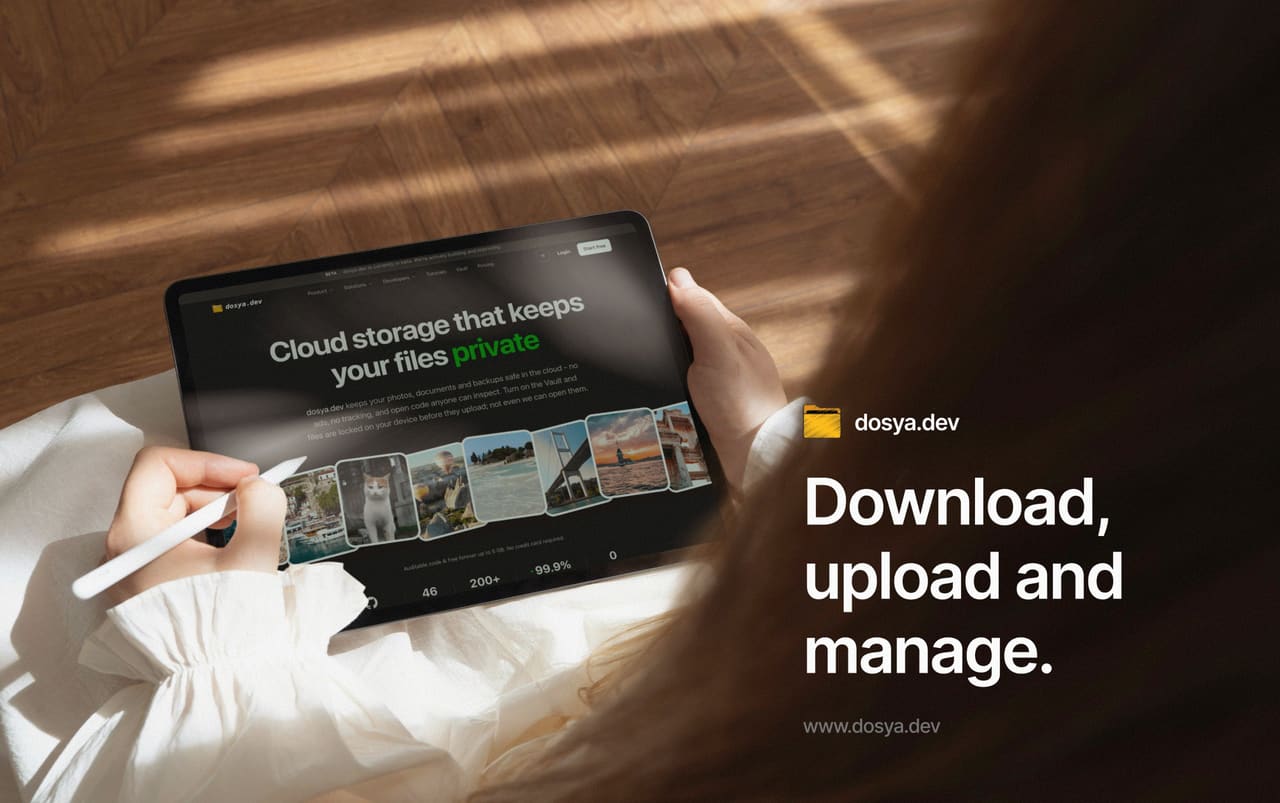
Get the app
Free with any dosya.dev account. Create one in a minute.
Also for



 Until the stable release lands:
 sudo snap install dosya --candidate - Updates verified by SHA-512
- No telemetry
- Source-available
Checksum and requirements
SHA-512 · dosya-3.1.6-x64.exe
s4t42JbTCEHPQetJGHOVPsyTXhIu9eg8LpYYz2jLBl/dugcUNIermvuZfFIaSScXZXpXJj1rNRkbmVhxaNj76w== If SmartScreen prompts during install, verify this checksum before continuing.
SHA-512 · dosya-3.1.6-universal.dmg
y8AfQuls+1l+qlzKoNigp6Zpk/JAKAVN/eUxTYNMpHSDaXyS9p+hMD8Gs4GgY1YZFBun1lSYiapCLys0QBrOQQ== Signed with an Apple Developer ID certificate and notarized by Apple. The ticket is stapled, so Gatekeeper verifies it offline on first launch.
SHA-512 · dosya-3.1.6-x86_64.AppImage
qf1RTjC5lCrdNs0jwOHAHNuVTdh2f57KhEWtpX3ma54NoKiGr7gYauGt58A3x3/WuiBANITICVwtv8c0Pu9Lyw== SHA-512 · dosya-3.1.6-amd64.deb
kJvdLhZb1CUa9rnRA0OC89ifXzGR1dpqyoczz4UTRhX3iVVVTgovmHkbHtzFi6yECKjkPmFsdwGy3A1IRoA+5A== Neither package is signed - verify the checksum first. For the AppImage, make the file executable (chmod +x) and run it; for the .deb, install it with sudo apt install ./<file>.
Check locally with openssl dgst -sha512 -binary <file> | openssl base64 -A - the same command our release pipeline runs to publish these values.
Requirements · Windows
- Windows 10 or later, 64-bit (x64)
- 4 GB RAM, 500 MB disk space
- Also on the Microsoft Store
Requirements · macOS
- macOS 12 (Monterey) or later
- Apple Silicon or Intel
- 4 GB RAM, 500 MB disk space
- Also on the Mac App Store
Requirements · Linux
- Ubuntu 22.04+, Fedora 38+, Debian 12+, 64-bit (x64)
- 4 GB RAM, 500 MB disk space
- AppImage, .deb, or Snap
On your phone? Get the dosya.dev mobile app
See it in action
Real screenshots of the app, shown with sample data.
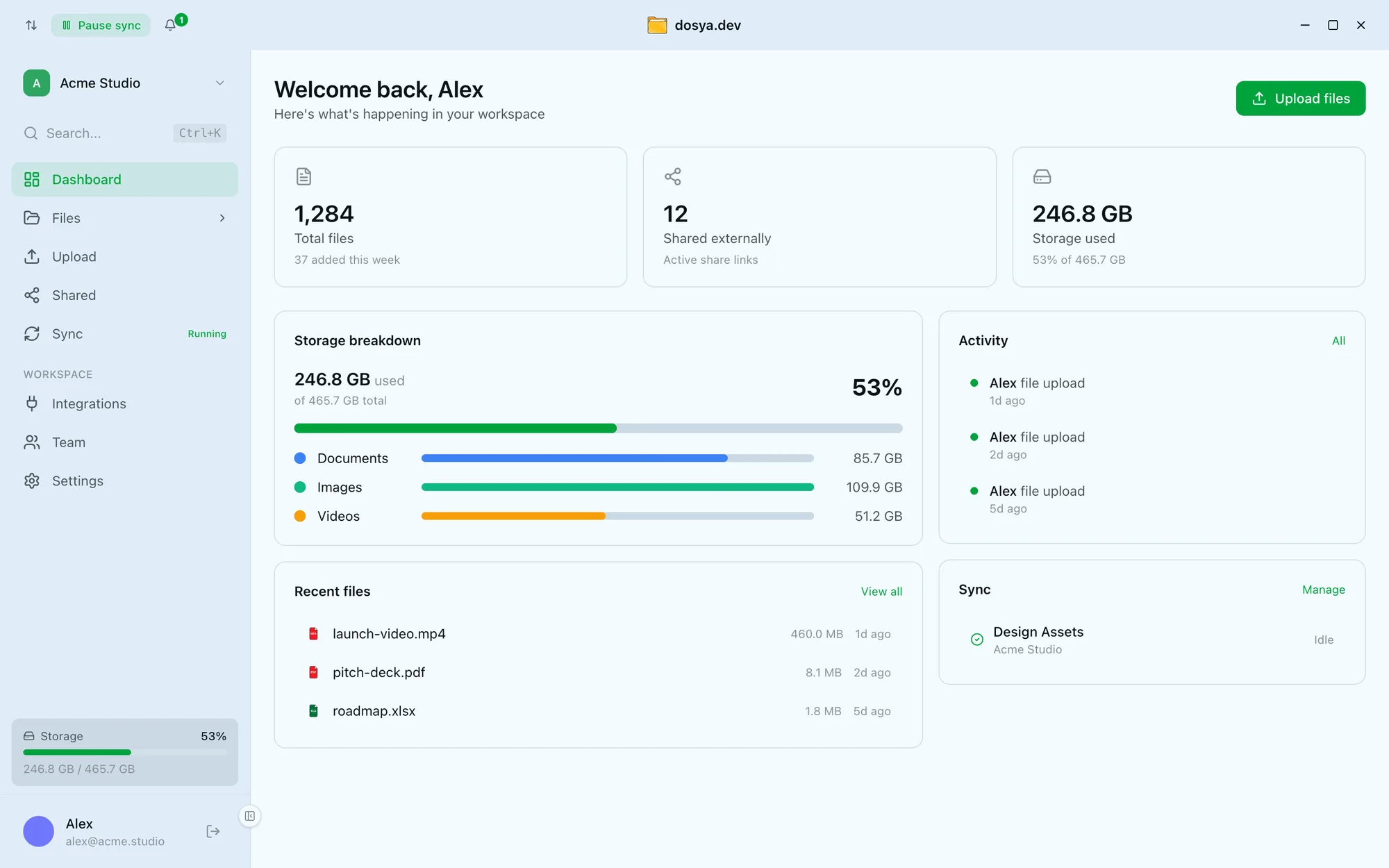
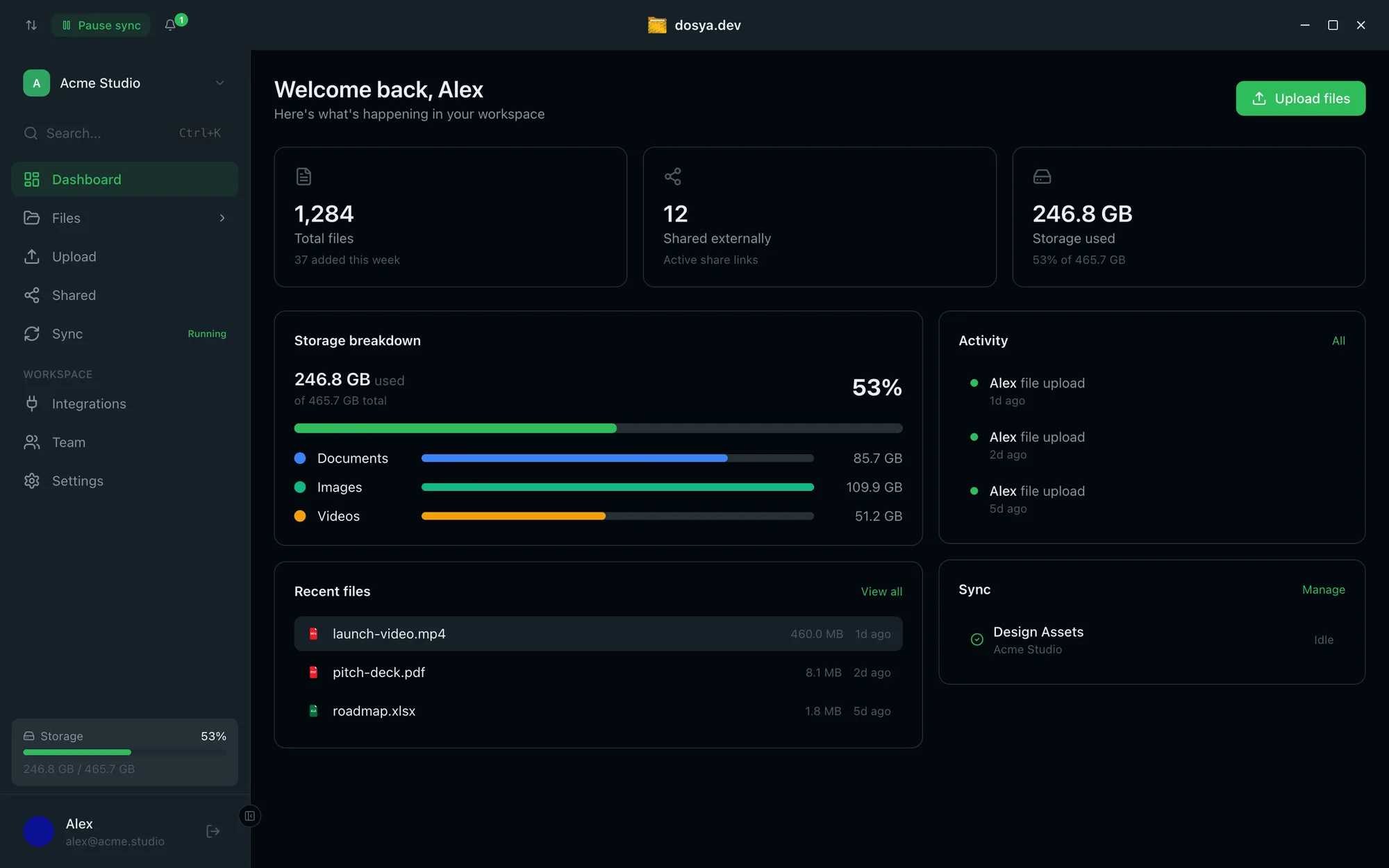
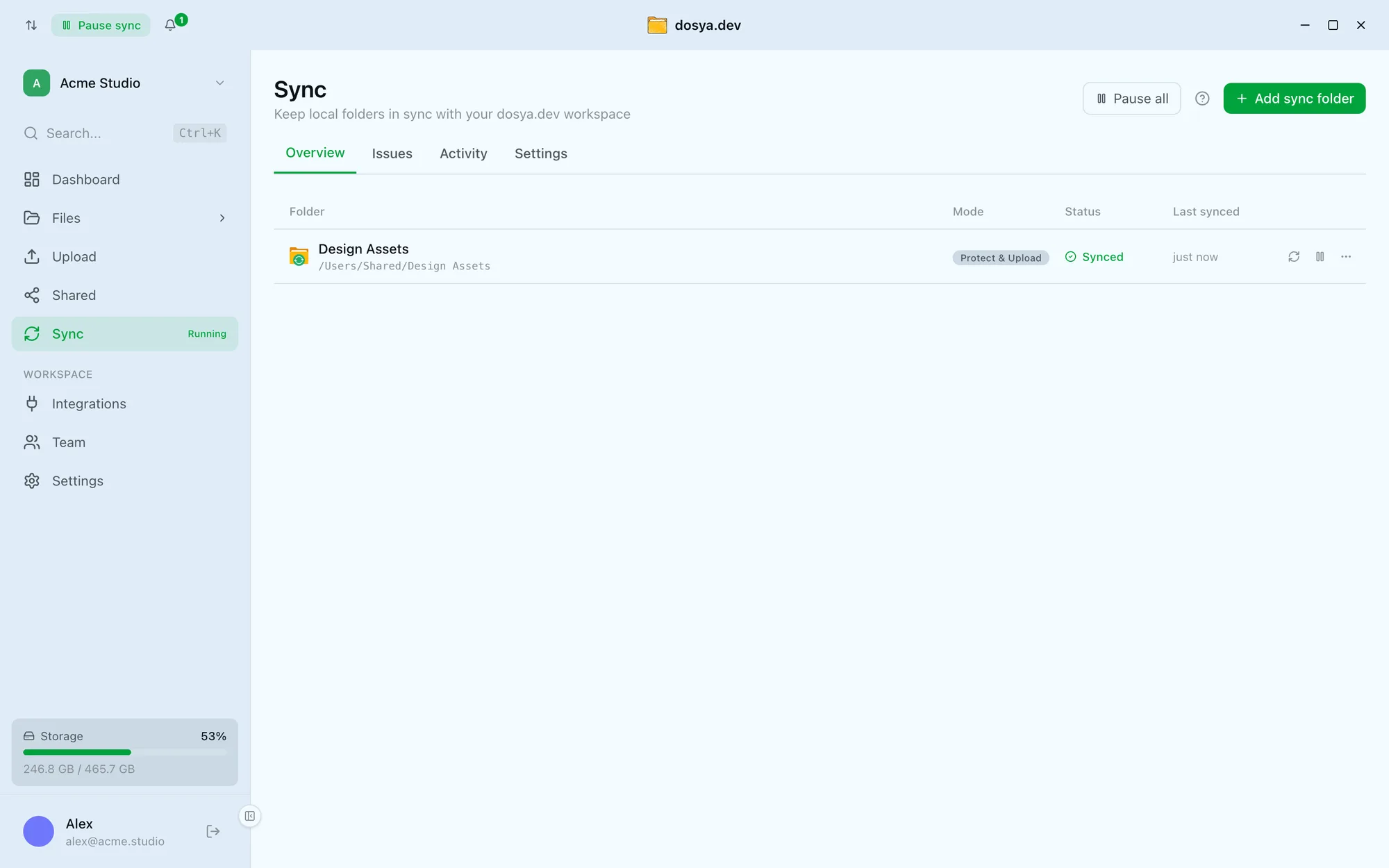
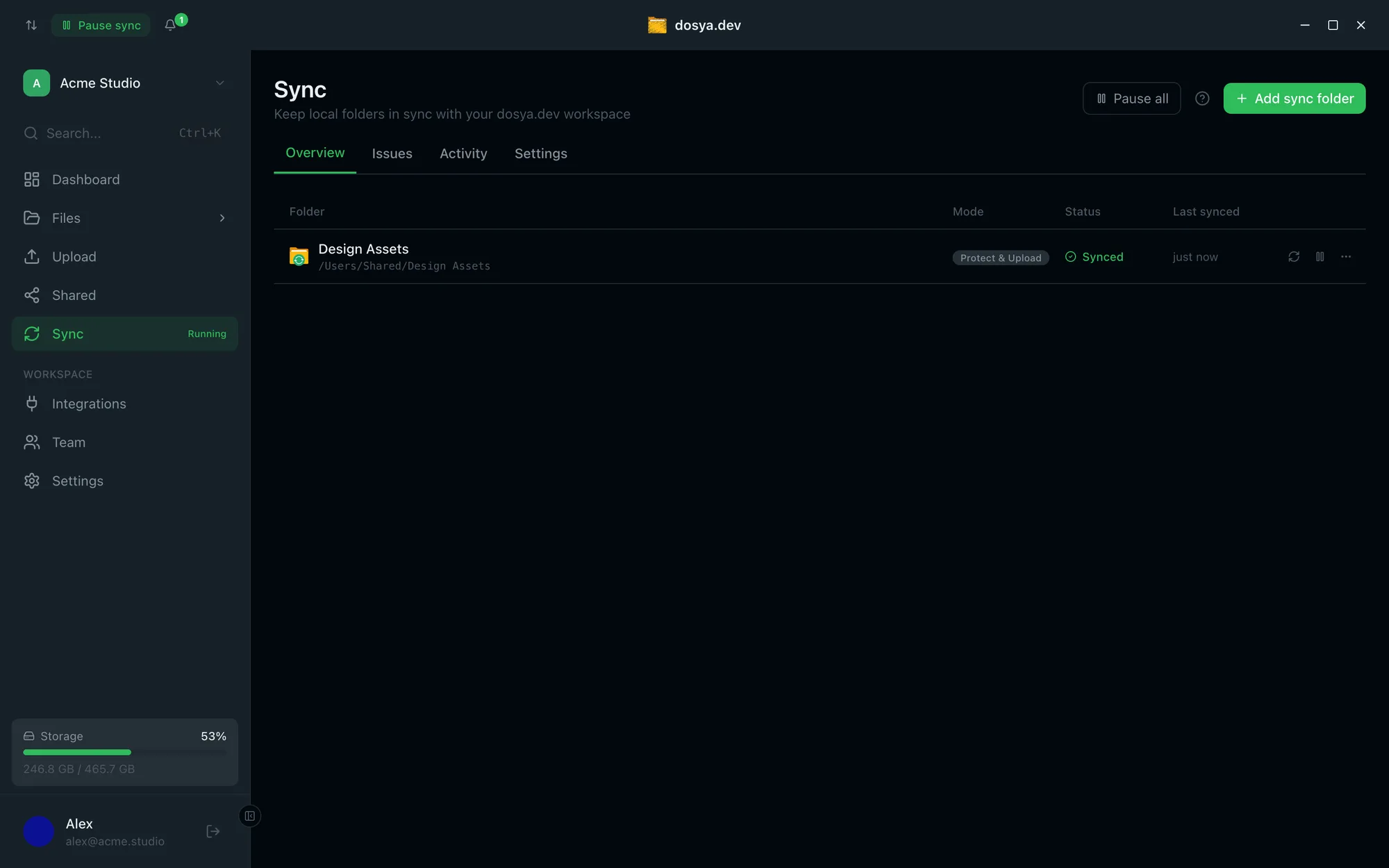
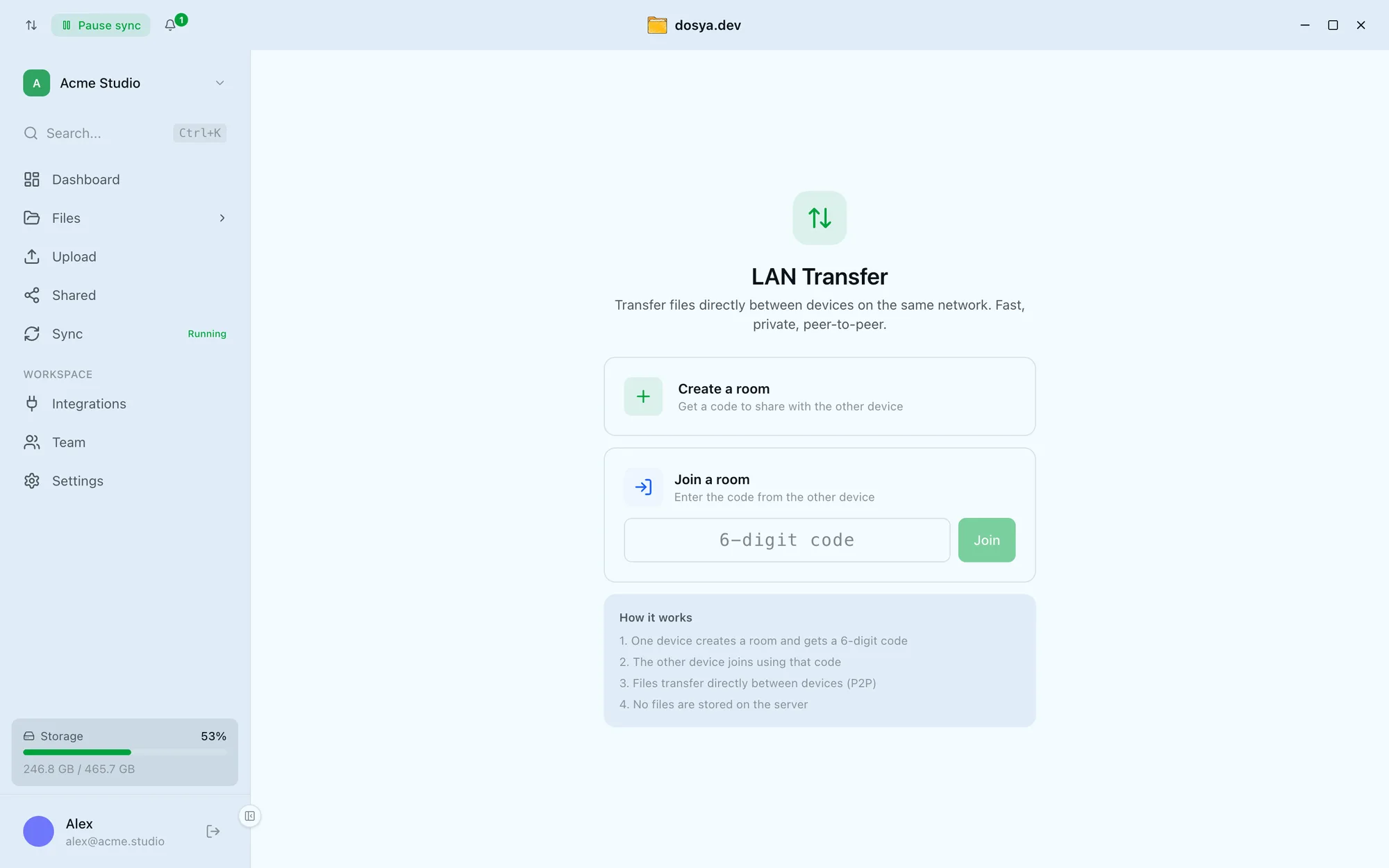
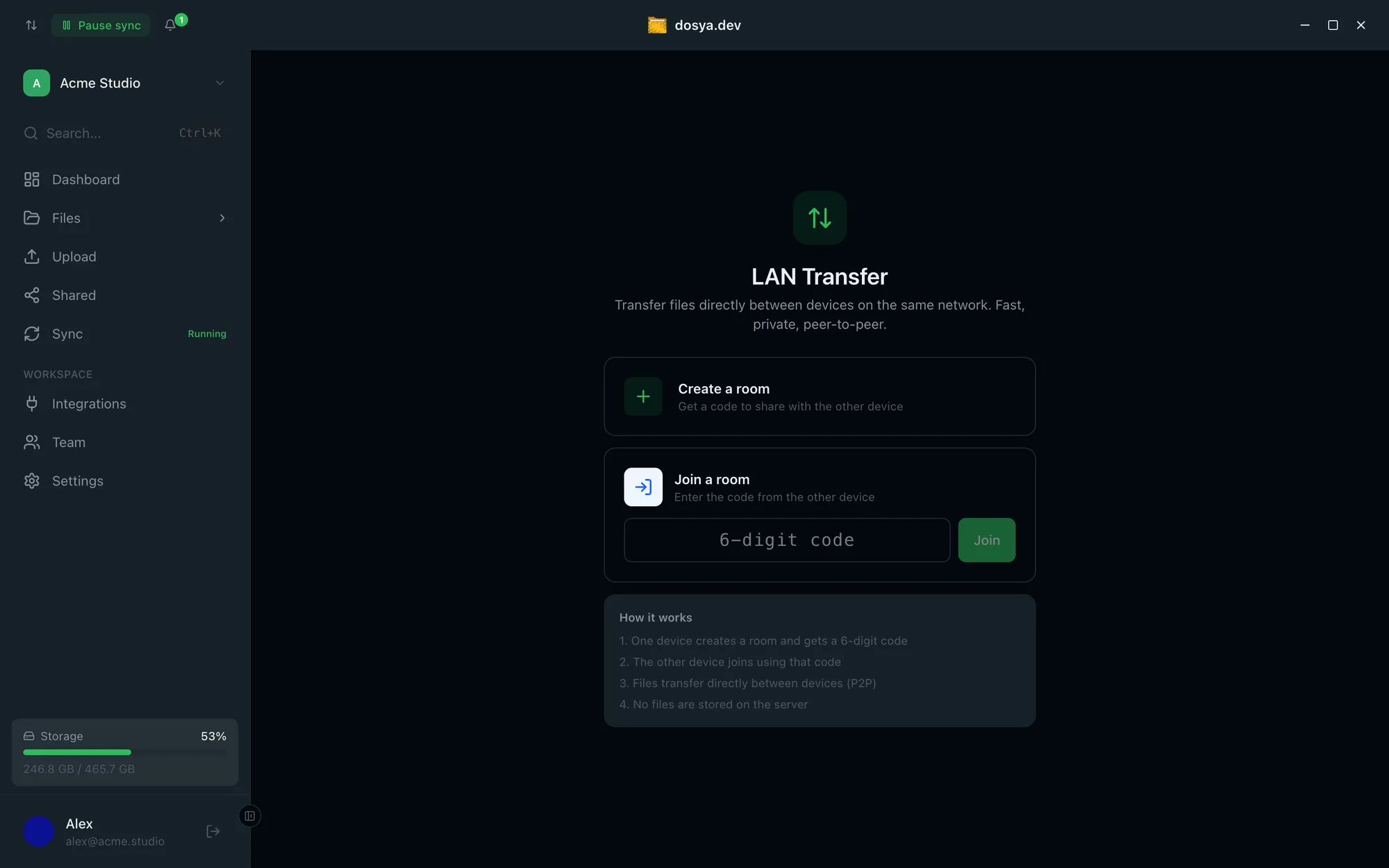
Storage, activity, and recent files in one view - and one-click switching between personal and team workspaces without opening a browser. Pick a folder and it stays mirrored to your workspace. The engine watches for changes and uploads in the background while you keep working - pause one folder or everything in a click. Move files straight between your devices on the same network - peer to peer, with a 6-digit room code. No files are stored on the server. How it works
Drag and Drop Uploads
Drop files and folders directly from your file manager. No browser needed.
System Notifications
Get notified when uploads finish, files are shared with you, or storage is running low.
Encrypted in Transit and at Rest
Files travel over TLS and rest in AES-256 encrypted storage. Need more? The Vault is end-to-end encrypted - the server holds only public keys and ciphertext.
Version history
Recent dosya.dev platform releases - full detail lives in the changelog. These are numbered separately from the desktop app's own version above, which comes from its release manifest.
-
Platform v1.9.0
Oct 27, 2026Smart Search, the Family plan, live chat support, workspace branding, 34 languages with right-to-left support, the Save to dosya.dev browser extension, and dosya.dev on the App Store, Google Play, the Mac App Store and Huawei AppGallery.
-
Platform v1.8.0
Sep 28, 2026Photo, video and document libraries, zip browsing in the viewer, per-workspace storage location, a redesigned sharing flow, LAN Transfer on desktop, and the Android app as a direct download.
-
Platform v1.7.0
Aug 25, 2026Office editing and EPUB reading landed in the desktop app, sync got a faster local index, and notifications expanded to cover security and billing events.